









Air Cooler vs Liquid Cooler: Which One Do You Really Need?
When building or upgrading a gaming PC, one of the most debated decisions among every serious DIY builder is choosing between an air cooler and a liquid cooler. Both options can deliver excellent thermal performance — but the right choice depends on your CPU, your PC case, and how you plan to use your system.
In this guide, we’ll break down the engineering principles, real-world performance differences, and compatibility considerations to help you make a confident, performance-driven decision.
Why CPU Cooling Matters More Than You Think
Modern gaming processors are designed to push high clock speeds under load. However, when temperatures rise beyond safe limits, the CPU activates thermal throttling, automatically reducing performance to protect itself.
For a gaming PC, this can mean:
- Lower and inconsistent FPS
- Reduced system stability
- Shorter component lifespan
- Increased fan noise
Proper cooling is not about aesthetics — it’s about maintaining thermal efficiency, system stability, and sustained performance.
What Is an Air Cooler?

An air cooler uses a metal heatsink (usually aluminum fins with copper heat pipes) combined with one or more fans to dissipate heat away from the CPU.
How It Works
- Heat transfers from the CPU to a cold plate.
- Heat pipes distribute the heat into the heatsink fins.
- Fans push air through the fins.
- Warm air is exhausted into the PC case airflow path.
Advantages of Air Coolers
Reliable and mechanically simple
- Lower cost
- Minimal maintenance
- Long lifespan
- Easy installation for most DIY builders
For the majority of mainstream gaming PC builds, a high-quality air cooler provides more than enough cooling capacity.
Considerations
- Cooler height must match PC case clearance
- RAM compatibility (tall memory modules may interfere)
- Airflow design inside the case becomes critical
What Is a Liquid Cooler?

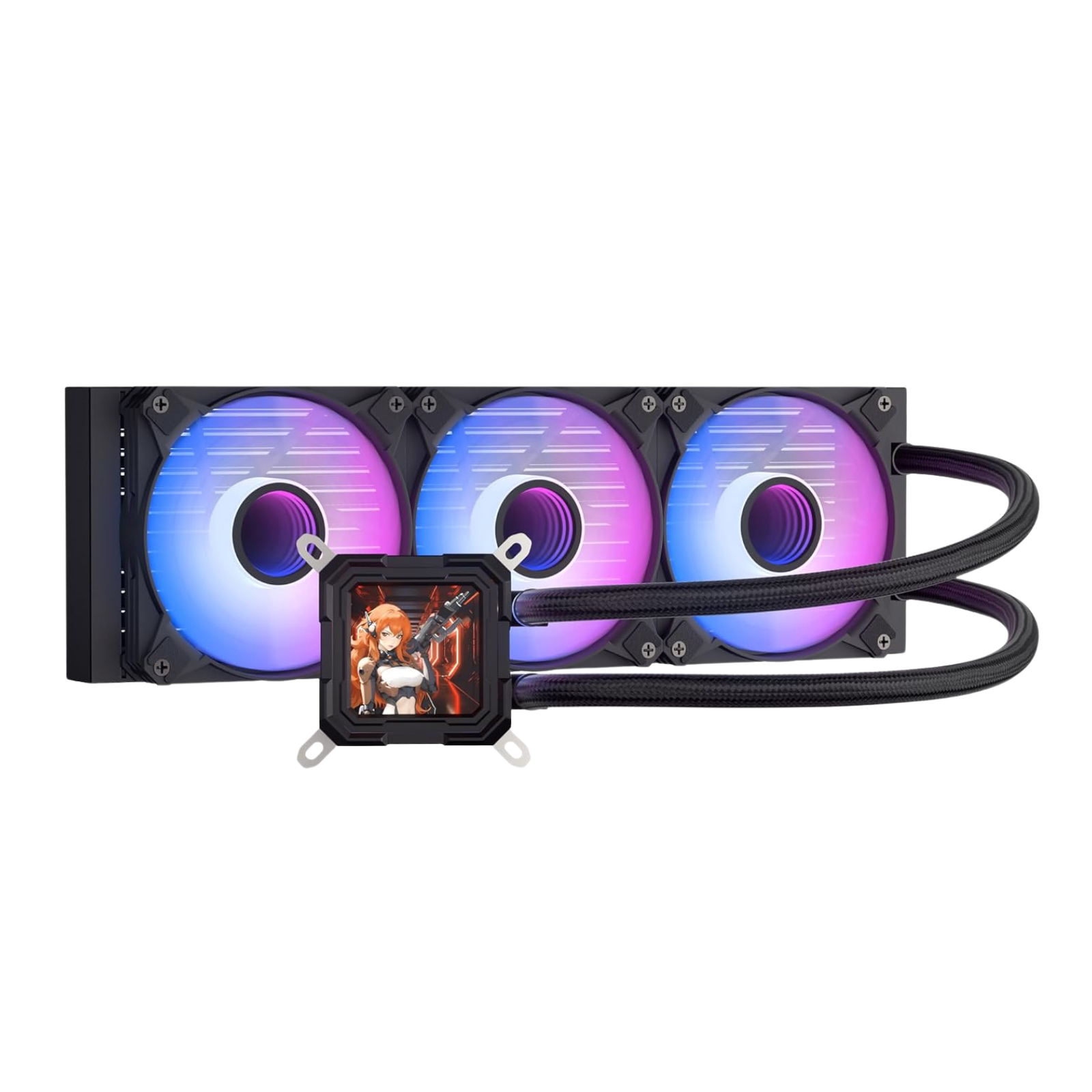
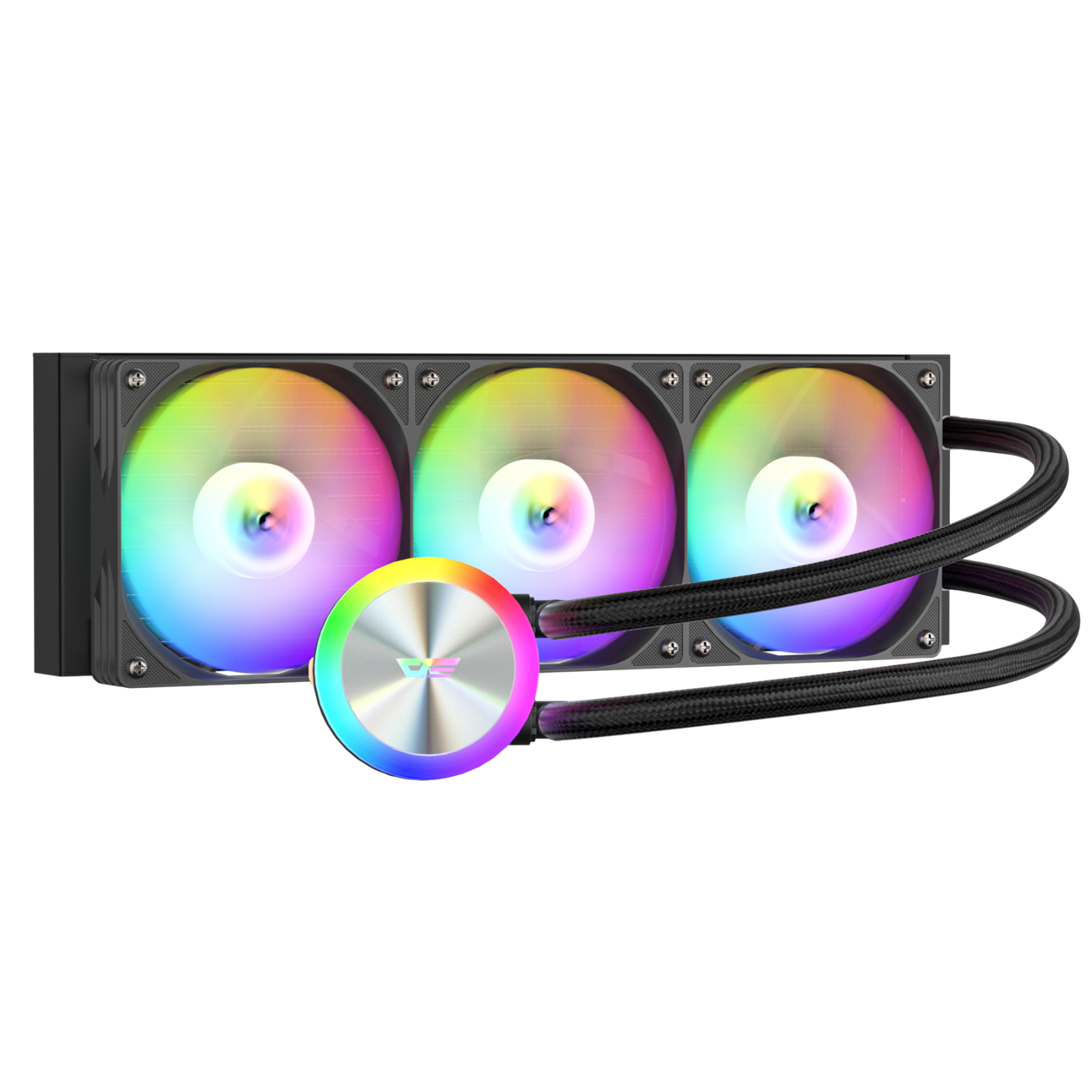
A liquid cooler (commonly referred to as an AIO — All-In-One cooler) uses liquid to transfer heat away from the CPU to a radiator mounted inside the PC case.
How It Works
- A pump moves coolant through a cold plate attached to the CPU.
- Heated liquid travels to a radiator.
- Fans dissipate heat from the radiator fins.
- Cooled liquid returns to repeat the cycle.
Advantages of Liquid Coolers
- Higher thermal capacity for high-TDP CPUs
- Better suited for overclocking
- Can move heat directly to case exhaust points
- Cleaner visual layout in some builds
For high-performance gaming systems or aggressive overclocking, a liquid cooler can provide additional thermal headroom.
Considerations
- Requires radiator mounting support in the PC case
- More complex installation
- Pump adds potential noise source
- Higher cost
Air Cooler vs Liquid Cooler: Performance Comparison
| Feature | Air Cooler | Liquid Cooler |
|---|---|---|
| Thermal Capacity | Moderate to High | High to Very High |
| Installation | Simple | Moderate |
| Maintenance | Minimal | Low to Moderate |
| Noise | Fan-dependent | Pump + Fans |
| Cost | Budget-friendly | Premium |
| Case Compatibility | Height clearance needed | Radiator support required |
| Best For | Most gaming PC builds | High-end & overclocked systems |
The Role of the PC Case in Cooling Performance
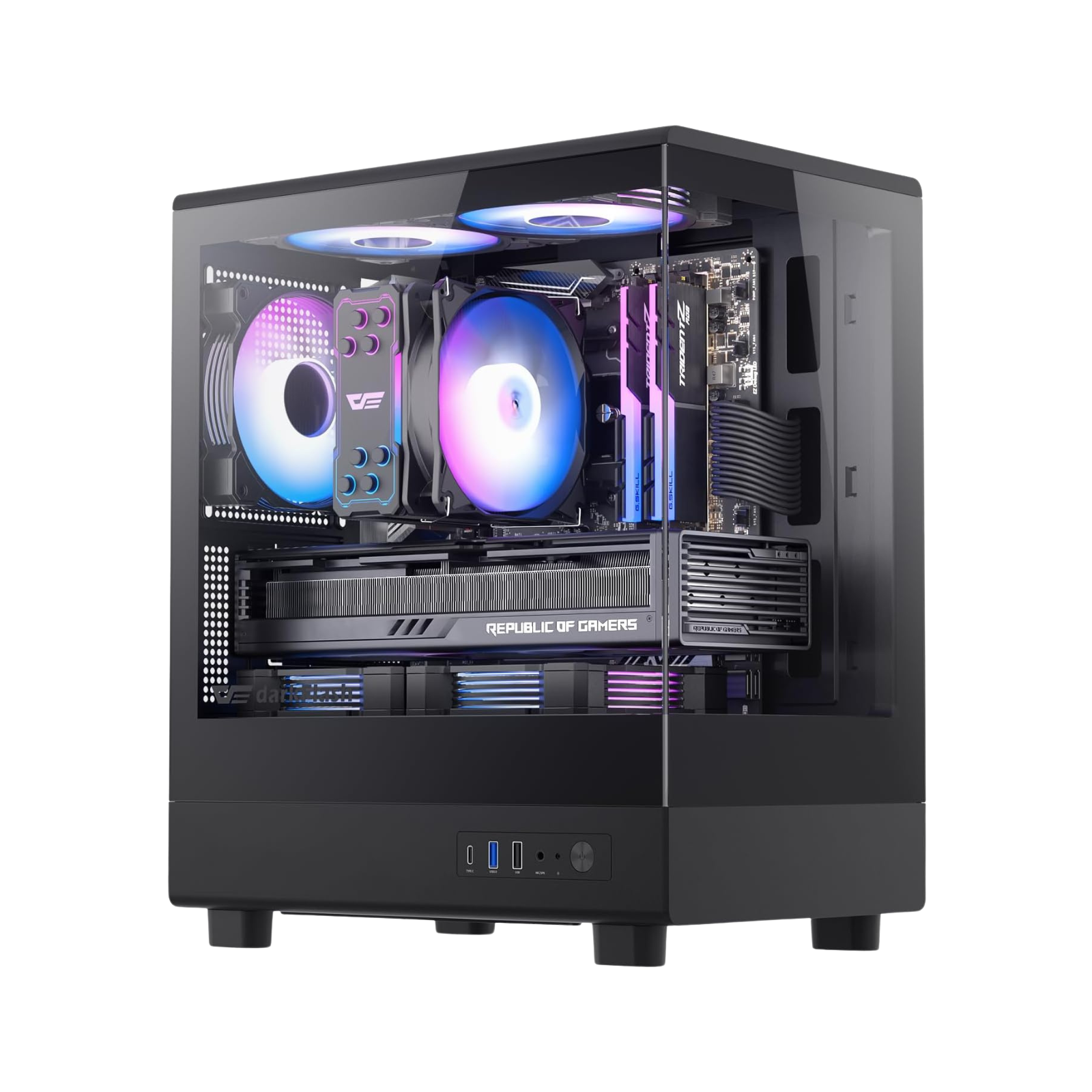
No cooler works in isolation. Your PC case airflow design plays a decisive role in overall thermal performance.
With Air Cooling:
- Strong front intake airflow is essential
- Proper rear/top exhaust improves heat removal
- Case fan positioning impacts efficiency
With Liquid Cooling:
- Radiator placement (front vs top mount) affects CPU and GPU temperatures
- Adequate ventilation is required to prevent heat buildup
- Case clearance for 240mm / 360mm radiators must be verified
A well-designed PC case with optimized airflow often narrows the real-world temperature gap between air and liquid cooling solutions.
Which Option Is Right for Your Gaming PC?
Choose an Air Cooler If:
- You are building a mid-range gaming PC
- You are not overclocking aggressively
- You prefer simplicity and reliability
- Your PC case has good airflow
- You want lower cost and long-term durability
For most DIY builders, a properly sized air cooler is sufficient for modern CPUs running at stock settings.
Choose a Liquid Cooler If:
- You are using a high-TDP processor
- You plan to overclock
- You want additional thermal headroom
- Your PC case supports large radiators
- You prioritize visual aesthetics and internal layout
Liquid cooling becomes more relevant in performance-focused builds where sustained load temperatures matter.
What Most DIY Builders Actually Need
In real-world gaming scenarios:
- 90% of gaming PC users do not require extreme cooling solutions
- A quality air cooler combined with a high-airflow PC case is often the most balanced setup
- Liquid cooling becomes more justifiable for enthusiasts pushing hardware limits
The key is system balance — not simply choosing the most expensive solution.