









How to Choose the Right PC Case in 2026: A Complete Buyer’s Guide
Share
Introduction
When building a PC, most people focus on the GPU, CPU, or cooling system—but often overlook one critical component: the PC case.
A well-designed case doesn’t just hold your components—it directly impacts airflow, thermal performance, upgrade flexibility, and even your overall gaming or working experience.
In this guide, we’ll break down everything you need to know to choose the perfect PC case in 2026.
1. Why Your PC Case Matters More Than You Think
Your PC case is more than just a “box.” It plays several key roles:
-
Airflow & Cooling Efficiency
Poor airflow can lead to overheating, throttling, and reduced lifespan of components. -
Hardware Compatibility
Not all cases fit all GPUs, radiators, or motherboards. -
Cable Management & Build Experience
A good case saves hours during assembly. -
Aesthetics & Setup Identity
Your case defines the visual centerpiece of your setup.
👉 In short: a bad case limits your build, while a good one unlocks its full potential.
2. Types of PC Cases Explained
Choosing the right size is the first step.
Full Tower
Best for:
- High-end builds
- Custom water cooling
- Multi-GPU setups
Pros:
- Maximum space
- Excellent airflow potential
Cons:
- Expensive
- Takes up a lot of space
Mid Tower (Most Popular)
Best for:
- Gaming builds
- Most users
Pros:
- Balanced size and performance
- Wide compatibility
Cons:
- Limited extreme cooling setups
👉 If you're unsure, start here. Mid towers cover ~80% of builds.
Mini / ITX Case
Best for:
- Compact setups
- Minimalist desks
Pros:
- Small footprint
- Portable
Cons:
- Challenging to build
- Limited airflow and upgrades
3. Airflow vs Aesthetics: What Should You Prioritize?
This is where many buyers make mistakes.
Airflow-Focused Cases
- Mesh front panels
- Multiple fan mounts
- Better cooling performance
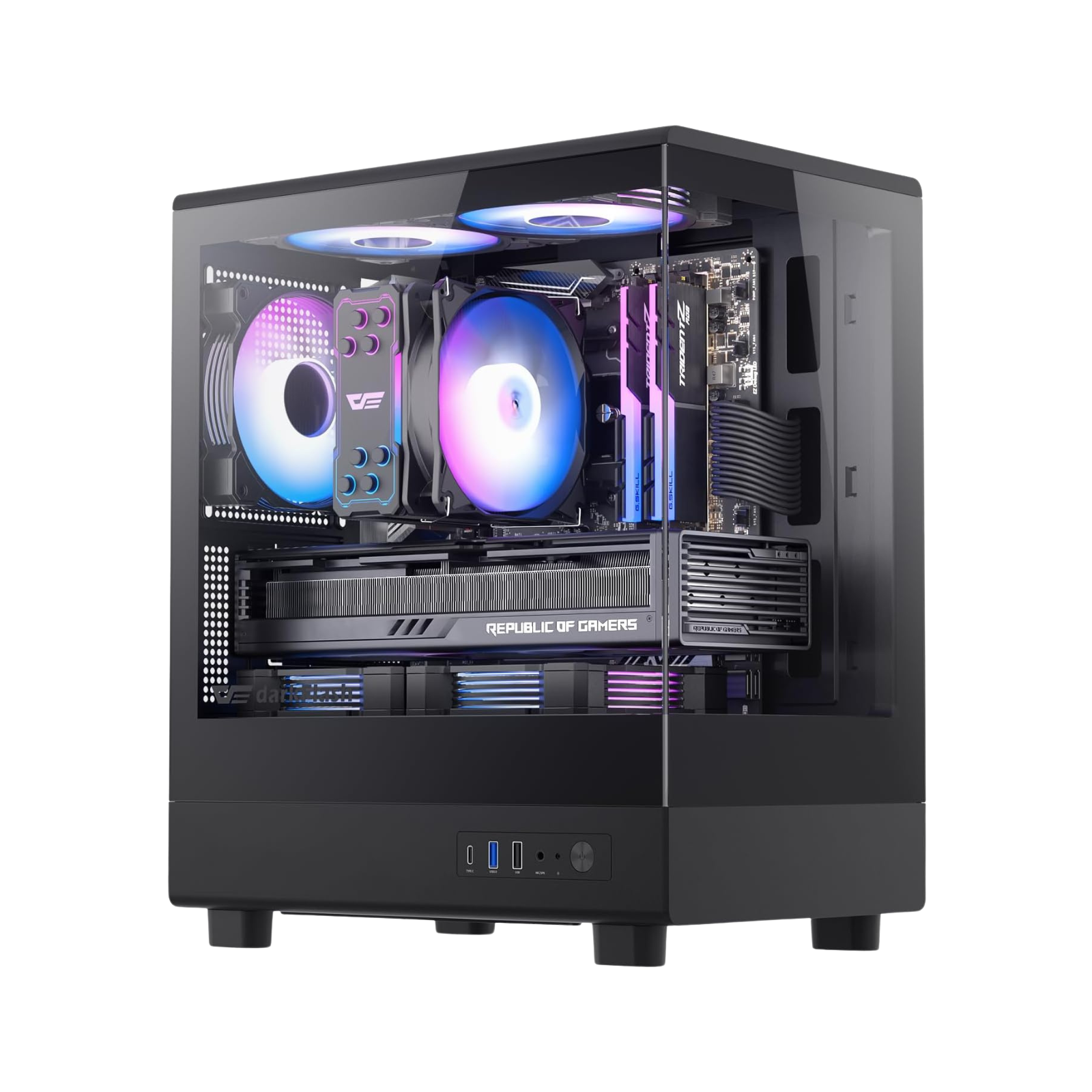
Glass / Showcase Cases
- Tempered glass panels
- RGB visibility
- Clean aesthetics
⚠️ The trade-off:
Glass-heavy designs often restrict airflow if not properly ventilated.
👉 Best choice:
Look for hybrid designs (mesh + tempered glass).
4. Key Features to Look For
Before buying, check these essentials:
✔ GPU Clearance
Modern GPUs are massive. Always check max length support.
✔ Cooling Support
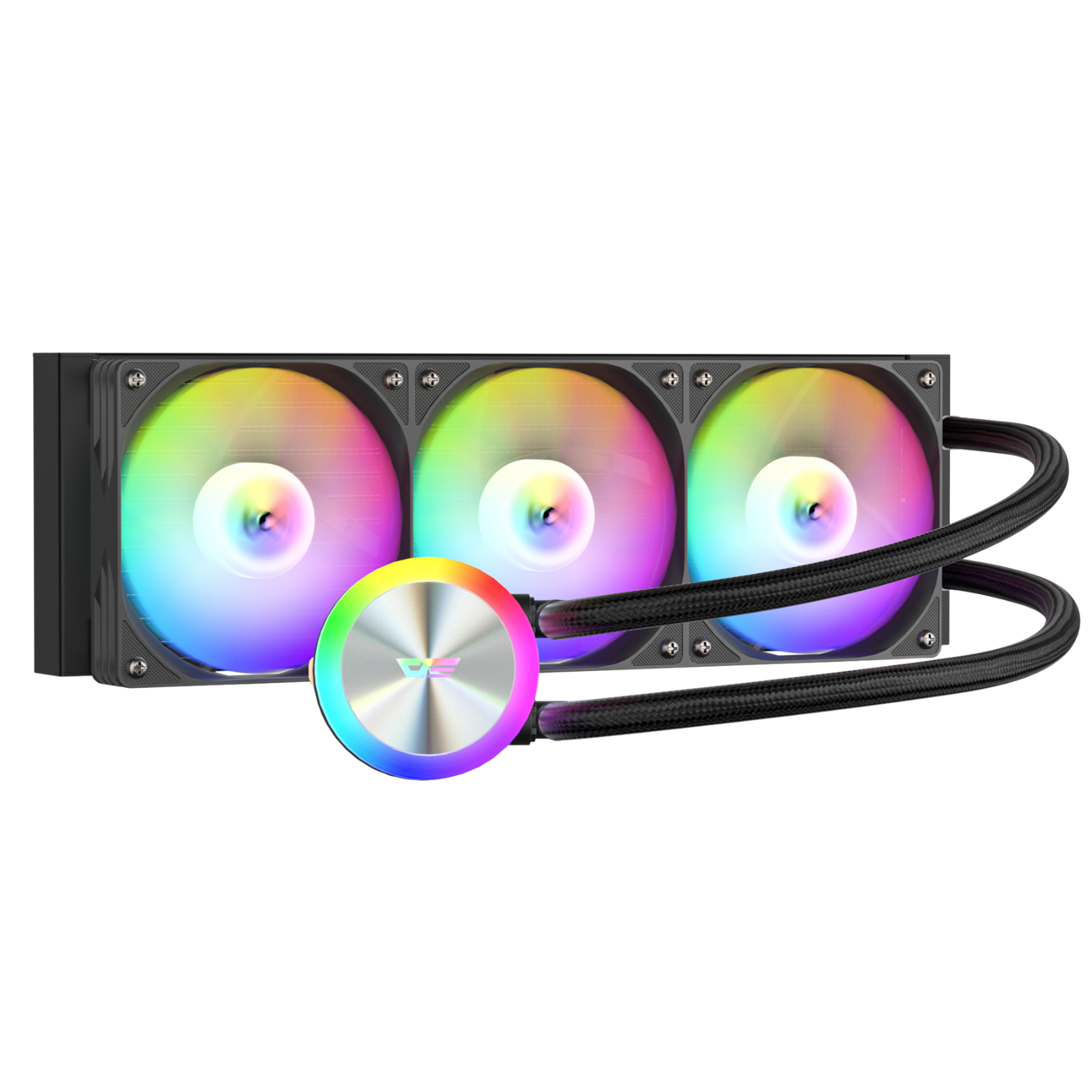
- Number of fans
- Radiator compatibility (240mm / 360mm)
✔ Cable Management
- Hidden routing channels
- PSU shroud
✔ Front I/O Ports
- USB-C (important in 2026)
- USB 3.0
- Audio jack
✔ Build Quality
- Steel thickness
- Panel durability
5. Common Mistakes to Avoid
Avoid these typical pitfalls:
❌ Buying based on looks only
❌ Ignoring airflow
❌ Not checking GPU size
❌ Choosing a case too small for future upgrades
❌ Overpaying for features you won’t use
6. Best PC Case for Different Users
For Gamers
- Prioritize airflow
- Support for large GPUs
- RGB optional
For Creators
- Silent operation
- Clean cable management
- High-end cooling
For Beginners
- Easy installation
- Pre-installed fans
- Good documentation
7. Final Thoughts
Choosing the right PC case is about balance:
performance, compatibility, and design.
Instead of chasing trends, focus on what fits your build and long-term needs.
A smart choice now will save you time, money, and frustration later.
Bonus: Quick Checklist
Before you buy, ask yourself:
- Does it fit my GPU?
- Does it support my cooling setup?
- Is airflow optimized?
- Is it easy to build in?
- Does it match my setup style?
If the answer is “yes” to all—you're good to go.