








RGB Fans: How to Balance Aesthetics and Performance in Your PC Build

Introduction
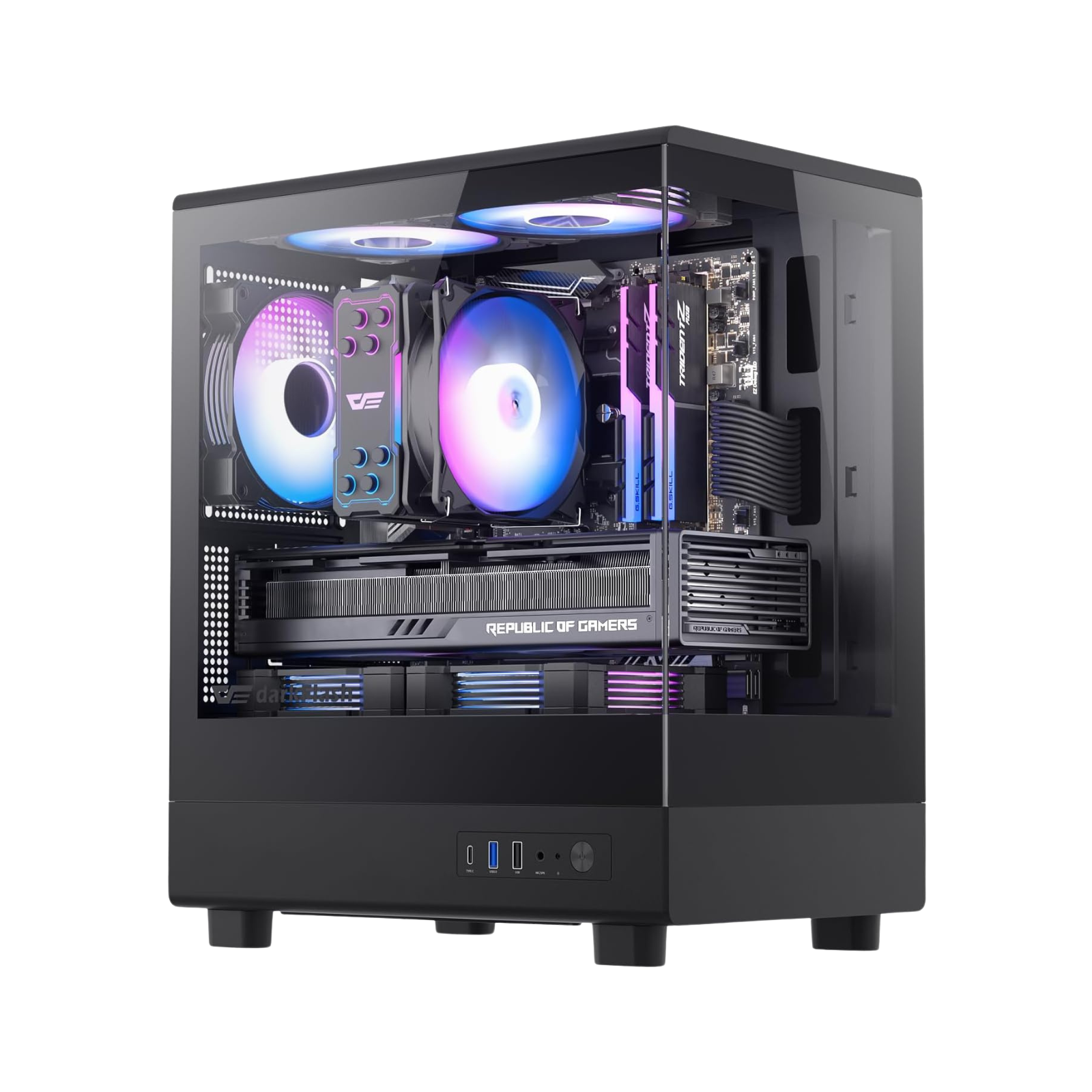
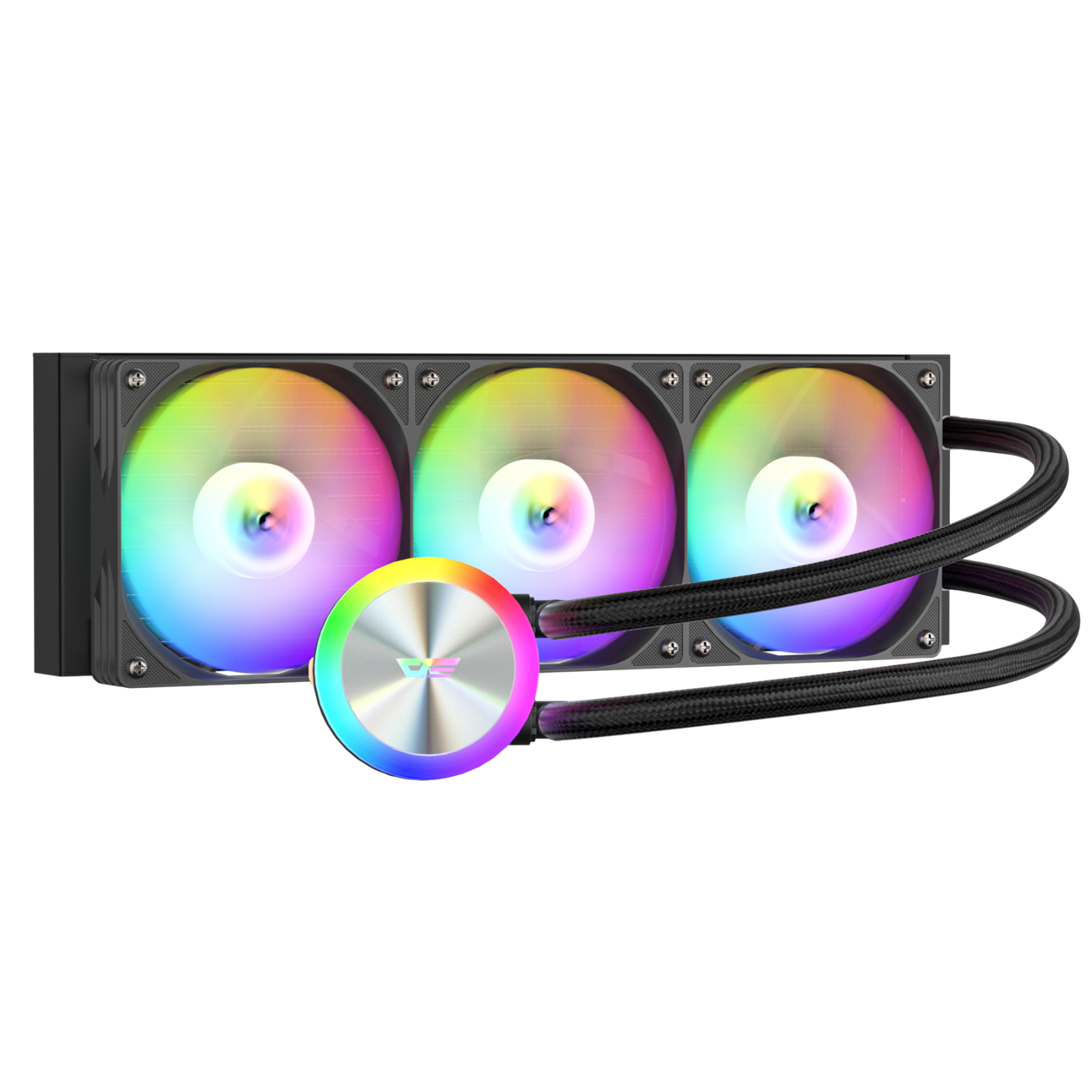
RGB fans have become an essential part of modern PC builds, offering vibrant lighting effects that turn any setup into a visual masterpiece. But while aesthetics are appealing, they should never compromise your system’s cooling performance. Choosing the right fans, configuring them correctly, and maintaining optimal airflow are key to achieving a PC that is both visually stunning and thermally efficient.
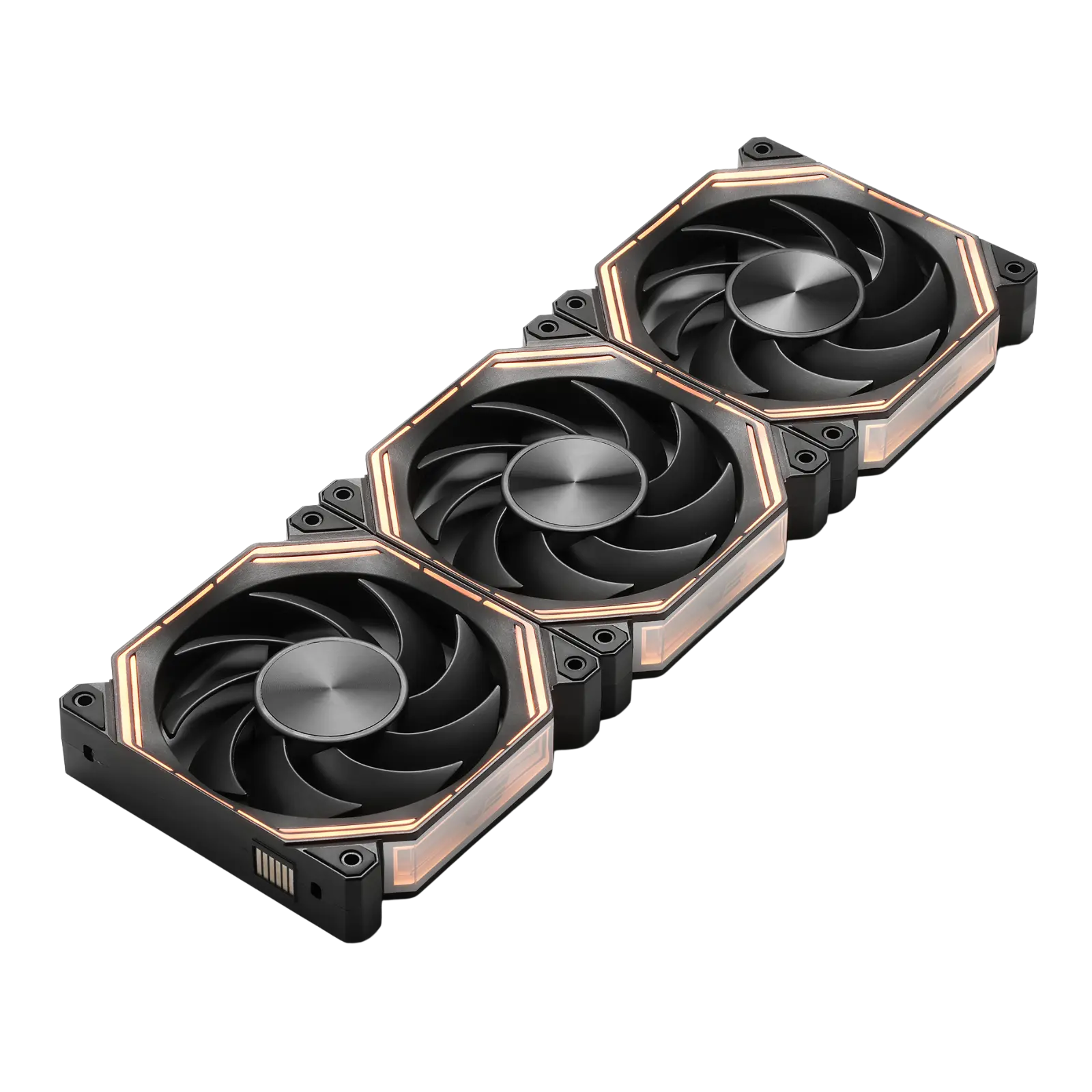
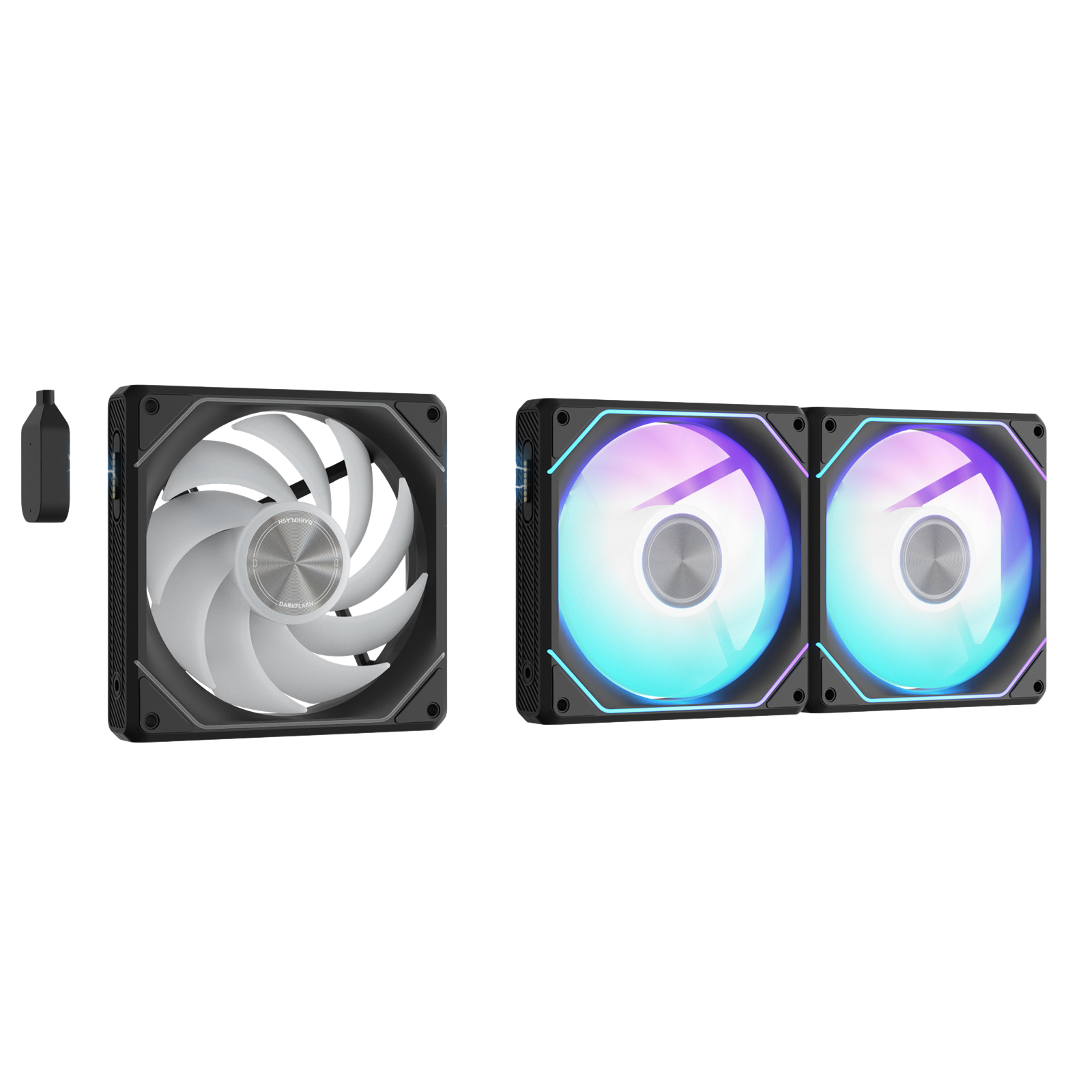
In this guide, we’ll explore how to balance RGB aesthetics with performance, including installation tips, fan curve optimization, and maintenance advice — all using high-quality products like the darkFlash INF34 Daisy Chain ARGB Case Fan 120mm to enhance your build.
Choosing the Right RGB Fans
When selecting RGB fans, consider both cooling performance and lighting quality:
- Airflow (CFM): Higher airflow improves cooling but may increase noise. A balanced airflow is essential for mid-tower and full-tower PC cases.
- Static Pressure: Critical for fans mounted on radiators or behind restrictive grills. Fans with high static pressure push air efficiently through obstacles.
- Lighting Quality: Addressable RGB (ARGB) fans, like the darkFlash INF34, allow for dynamic effects and full color customization.
💡 Tip: Prioritize cooling specifications over aesthetics, but with ARGB fans, you can have both without compromise.
Optimizing Fan Placement
Proper fan placement ensures your PC stays cool while your RGB setup shines:
- Front Intake: Pulls cool air into the case and is perfect for showcasing your ARGB fans.
- Top/Rear Exhaust: Pushes hot air out, creating efficient airflow while keeping lighting balanced.
- Avoid Obstructions: Ensure cables or components don’t block fans, as this reduces airflow and increases fan noise.
Adjusting Fan Curves for Performance and Silence
Fan curves allow you to control fan speeds based on temperature, offering the perfect balance between noise and cooling:
- Silent Mode: Keep fans quiet during idle or light workloads.
- Dynamic Boost: Automatically increase fan speed when CPU or GPU temperatures rise.
- Software Control: Use software like Corsair iCUE, ASUS Aura Sync, or MSI Mystic Light to sync RGB effects with fan speed for a polished look.
Maintaining Your RGB Fans
Performance and visual quality degrade if fans aren’t properly maintained:
- Clean Dust Regularly: Dust reduces airflow and dims RGB lighting.
- Lubricate Bearings if Possible: Extends fan lifespan and keeps noise levels low.
- Check ARGB Connections: Loose or misaligned connectors may cause flickering or lighting failure.
FAQ
Q1: Do RGB fans reduce PC cooling performance?
A: No, performance depends on airflow and static pressure, not the RGB lighting. The darkFlash INF34 ARGB fan offers high airflow while keeping vibrant lighting effects.
Q2: Can I mix different RGB fan brands?
A: Yes, but synchronization may require extra software or controllers. Using a daisy-chain ARGB system simplifies control and ensures consistent lighting.
Q3: How many RGB fans should I use for a mid-tower PC?
A: Typically, 2–3 intake fans at the front and 1–2 exhaust fans at the top/rear. Adjust based on GPU and CPU thermal output.
Q4: Are ARGB fans louder than standard fans?
A: No, noise is determined by fan design and bearing type, not RGB lighting. Many ARGB fans, including the darkFlash INF34, are engineered for quiet operation.
Q5: How can I sync all my RGB fans?
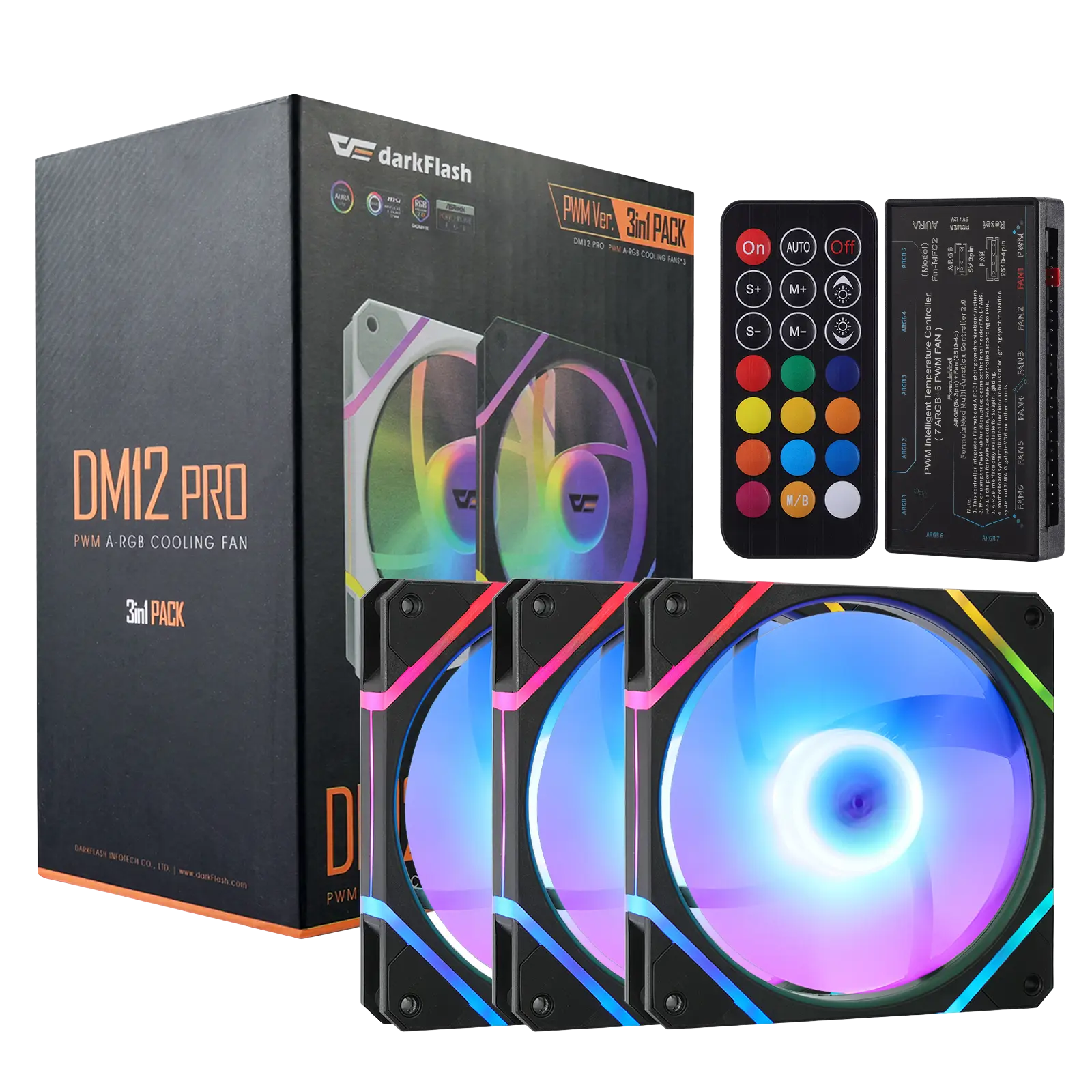
A: Use compatible motherboard software or ARGB controllers. Daisy-chain ARGB fans like the darkFlash INF34 ensure smooth synchronization and minimal cable clutter.